

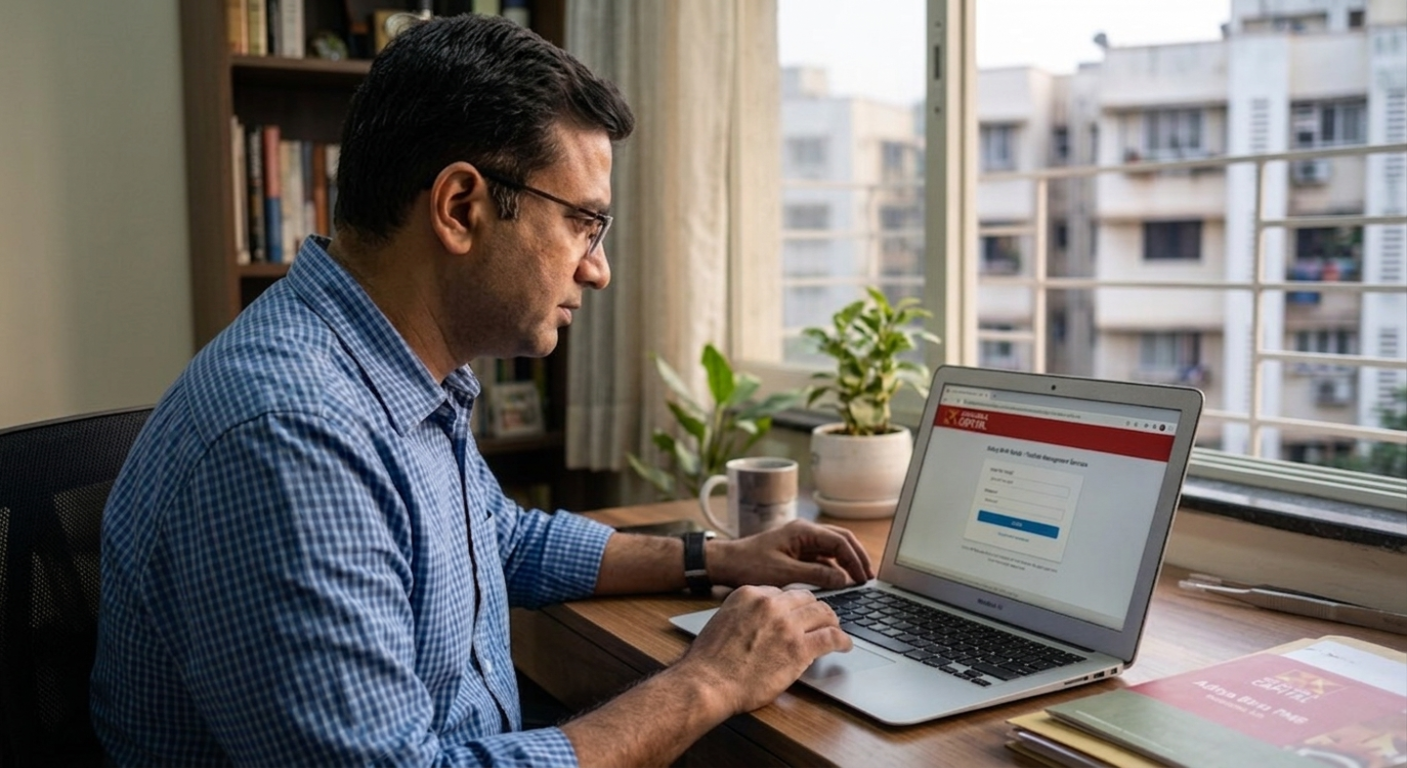
Accessing a PMS account through the Birla PMS login is not meant to involve too many steps. In most cases, the process is straightforward, especially when the goal is to check performance or pull reports.
The portal provided by Aditya Birla Capital is structured to show holdings, returns, and documents in one place.
After a few uses, the layout becomes familiar enough that navigation feels routine rather than something that needs figuring out each time.
Understanding The Birla PMS Login System
The login itself is handled through the investor dashboard of Aditya Birla Capital. This acts as the main access point for portfolio data and reporting.
For Birla Sun Life PMS account access, access is usually split between the web portal and the mobile app. The web version is generally used when going through detailed information or full reports. The app tends to come into play for shorter sessions, mostly quick checks.
Credentials are shared during onboarding. A user ID and password are standard, with OTP verification added for security.
How To Login Birla PMS
The steps themselves do not really change:
- Open the official Aditya Birla PMS login portal
- Enter the User ID
- Add the password
- Complete OTP verification
Once access is granted, the dashboard loads with a snapshot of the portfolio. Valuation, allocation, and recent performance are usually visible right away.
Two-factor authentication is part of the setup. It adds a small delay, but it is there for compliance and data protection.
Access Through Mobile App
There is also the PMS Insight app by ABSLMF. It covers most of what the web portal offers, though the interface is simplified.
Biometric login is available in many cases. That tends to make repeated access quicker, especially when checking updates during active market phases.
Reset Birla PMS password.
Login problems are often linked to passwords. Either incorrect entries or temporary locks. The reset Birla PMS password option is built into the system:
- Use the “Forgot Password” option
- Enter User ID, PAN, and DOB
- Verify through OTP
- Set a new password via the email link
If access still does not go through, support assistance is usually the next step. Resolution depends on verification, but is not typically delayed for long.
First-Time Registration for New Users
Online access isn’t always active by default. In such cases, registration has to be completed first.
The system asks for a mobile number and email ID. For identity proof, PAN or PEKRN is required.
Once that part is done, credentials can be created. Access follows immediately after.
Inside the Aditya Birla PMS login portal, the dashboard brings together the main portfolio details, which are reviewed periodically. In some cases, the same data is checked alongside platforms such as PMS AIF WORLD to get a broader sense of performance consistency.
Keeping the Process Efficient
The Birla PMS login flow itself is simple, though small issues do come up. Incorrect credentials, expired passwords, or OTP delays are the usual ones. Keeping contact details updated tends to prevent most of these.
It also helps to note that the PMS portal is separate from other platforms under Aditya Birla Capital, used for mutual funds or trading. Confusion between these can lead to failed login attempts.
Wrapping Up
The login process is only a starting point. What matters more is how the platform is used afterward to track performance and review portfolio movement over time.
When combined with external references like PMS AIF WORLD, it becomes part of a broader monitoring setup rather than just an access tool.
A basic understanding of login steps, password recovery, and registration is usually enough to keep the experience consistent with regular use, and this Birla PMS client login guide supports that process.

